
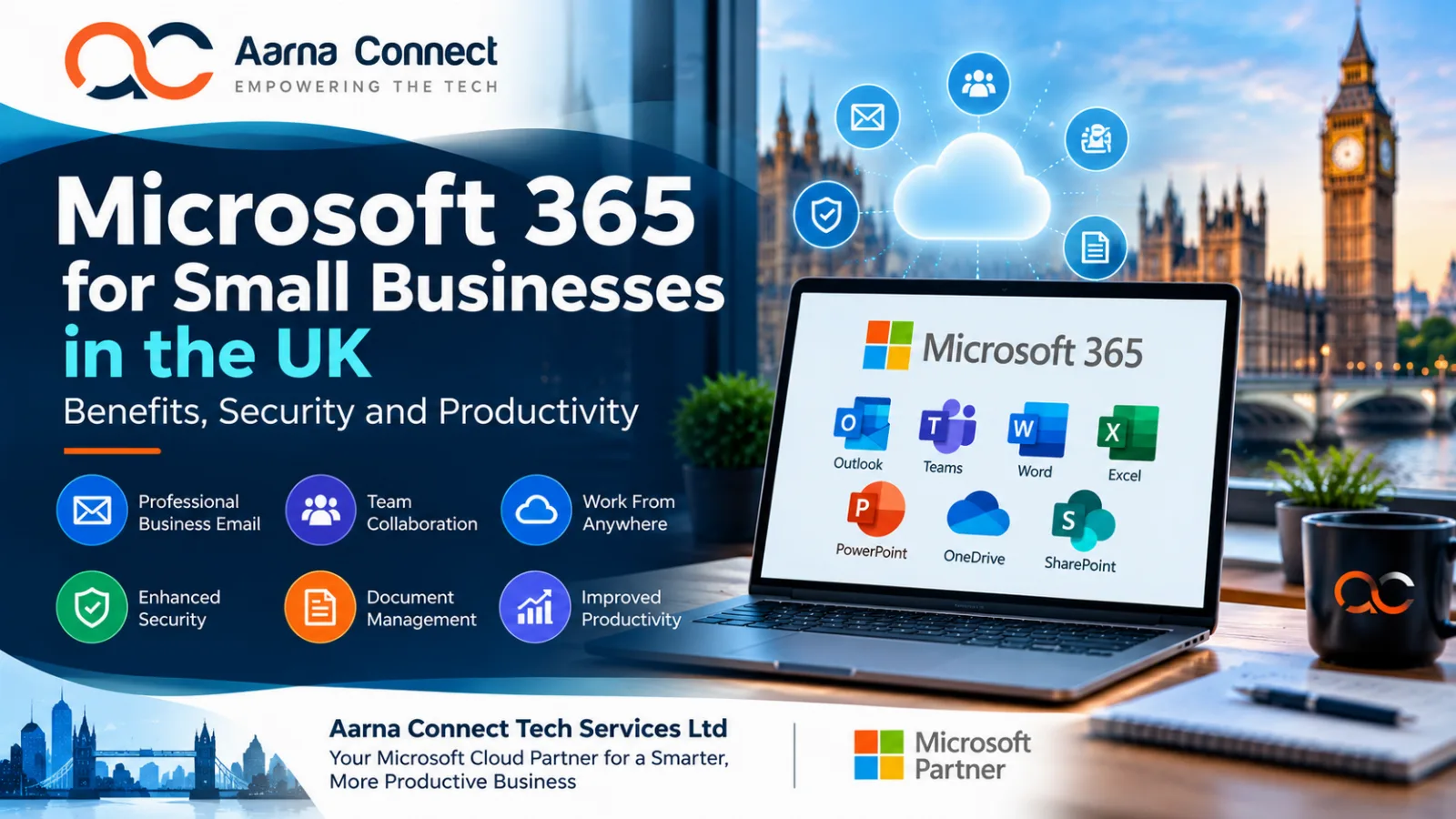
Microsoft 365 for Small Businesses in the UK: Benefits, Security and Productivity
Running a small business in the United Kingdom requires effective communication, reliable technology and secure access to business information. Whether you manage a growing team, work remotely or collaborate with customers and suppliers, the right digital tools can make everyday operations more efficient.
Microsoft 365 offers a range of productivity and collaboration tools that can help businesses manage email, documents, meetings, calendars and teamwork from one connected environment.
At Aarna Connect Tech Services Ltd, we help businesses explore Microsoft cloud solutions and technology services that align with their operational needs.
In this guide, we explain the key benefits of Microsoft 365, important security considerations and how UK small businesses can make better use of cloud-based productivity tools.
What Is Microsoft 365?
Microsoft 365 is a collection of cloud-based productivity applications and services. Depending on the subscription selected, businesses can access tools such as:
Outlook: Business email, calendars and scheduling.
Microsoft Teams: Online meetings, messaging and collaboration.
Word: Creating and editing business documents.
Excel: Spreadsheets, reporting and data analysis.
PowerPoint: Presentations and business proposals.
OneDrive: Cloud-based file storage and synchronisation.
SharePoint: Team document management and internal collaboration.
The applications and features available depend on the Microsoft 365 plan purchased.
For small businesses, these tools can provide a more connected way to communicate, manage documents and support employees working across different locations.
7 Benefits of Microsoft 365 for UK Small Businesses
1. Professional Business Email
A professional email address using your company's domain can help create a consistent business identity.
For example, using an address such as info@yourcompany.co.uk can present a more professional image than relying exclusively on a personal email account.
Microsoft 365 business email options can help organisations manage mailboxes, calendars and contacts centrally, depending on their subscription.
Businesses should also configure appropriate email security controls and authentication settings.
2. Work From Anywhere
Modern businesses often have employees working from offices, homes and customer locations.
Microsoft 365 applications can support access to work documents and collaboration tools across supported devices, subject to account permissions, connectivity and security policies.
This flexibility can help teams communicate and work together without always needing to be in the same physical location.
3. Improve Team Collaboration
Microsoft Teams supports online meetings, messaging and collaboration.
Employees can arrange meetings, share information and work together on projects. Integration with other Microsoft applications can help reduce the need to switch repeatedly between separate tools.
Businesses should establish clear collaboration practices so employees can find information easily and avoid unnecessary duplication.
4. Simplify Document Management
Managing documents through email attachments and local computer folders can become difficult as a business grows.
OneDrive supports individual file storage and synchronisation, while SharePoint can support shared team documents and structured collaboration.
Appropriate folder structures, permissions and version-management practices can help businesses organise information more effectively.
5. Support Business Productivity
Microsoft 365 applications provide tools for everyday activities such as preparing proposals, tracking information, analysing spreadsheets and delivering presentations.
Businesses can establish standard templates, shared working practices and repeatable processes to reduce administrative effort.
Depending on the subscription, additional automation and AI capabilities may also be available. Businesses should review the relevant licensing, security and data-handling requirements before adopting them.
6. Improve Business Continuity
Cloud-based working can make it easier for authorised employees to access information when working remotely or across different locations.
However, cloud storage alone should not be treated as a complete backup and disaster-recovery strategy.
Businesses should identify their critical information, understand their recovery requirements and implement appropriate backup and restoration procedures.
7. Scale as Your Business Grows
Small businesses need technology that can adapt as their teams and operations change.
Microsoft 365 offers different subscription options for different organisational requirements. Businesses can evaluate their needs as they add employees, introduce new processes or expand into additional locations.
Reviewing subscriptions regularly can also help prevent unnecessary licensing costs.
Microsoft 365 Security: What Should UK Businesses Consider?
Productivity is important, but business information must also be protected.
Microsoft 365 provides security capabilities that vary by plan and configuration. Businesses should review the controls available to them and implement suitable policies.
Enable Multi-Factor Authentication
Multi-factor authentication adds another layer of protection when users sign in.
Prioritise administrator accounts and other accounts with access to sensitive business information. Where available, consider stronger authentication methods and policies appropriate to your organisation.
Review User Permissions
Employees should only have access to the information and applications required for their roles.
Review permissions regularly, remove accounts when access is no longer required and restrict administrative privileges.
Protect Against Phishing
Phishing emails can attempt to steal credentials, obtain confidential information or persuade employees to make fraudulent payments.
Provide employee awareness training and ensure staff know how to report suspicious messages.
Review the email protection features included in your subscription and consider whether additional controls are necessary.
Secure Business Devices
Computers and mobile devices used to access business information should be appropriately protected.
Keep operating systems updated, use endpoint protection, apply suitable device-lock policies and restrict access from devices that do not meet your organisation's security requirements where supported.
Review Sharing and Data Access
Cloud collaboration makes sharing documents easier, but incorrectly configured permissions can expose information unnecessarily.
Review external sharing settings, access permissions and document-handling practices. Establish clear rules for sharing confidential information with customers, suppliers and other third parties.
Understand UK Data Protection Responsibilities
Businesses handling personal information should consider their obligations under applicable UK data protection legislation.
Choose suitable security controls, limit access to personal information and maintain appropriate procedures for managing incidents and data requests.
The correct measures depend on the information processed, the services used and the circumstances of your organisation.
How Much Does Microsoft 365 Cost for a UK Small Business?
Microsoft 365 pricing depends on the selected subscription, billing arrangement, included applications and additional services.
Before choosing a plan, consider:
How many employees need accounts?
Do you need business email with your own domain?
Will employees use desktop applications or browser-based tools?
Do you require online meetings and shared document management?
What security, administration and device-management features are necessary?
Are additional backup, compliance or security products required?
Compare the current plans and prices on the official Microsoft 365 for business website.
Choosing the cheapest subscription is not always the most appropriate option. The best choice should balance business requirements, security, usability and overall cost.
Common Microsoft 365 Mistakes to Avoid
Small businesses can get more value from their technology by avoiding these common mistakes:
Choosing the wrong subscription: Paying for features the business does not need or missing important capabilities.
Ignoring security settings: Assuming that purchasing a subscription automatically configures every security control.
Poor permission management: Allowing employees to access information beyond their responsibilities.
Unstructured document storage: Making it difficult for teams to find the latest versions of files.
Insufficient employee training: Leaving employees unsure how to use collaboration tools securely.
Neglecting recovery planning: Assuming cloud availability eliminates the need for backup and recovery procedures.
Failing to review licences: Continuing to pay for unused accounts or unsuitable subscriptions.
Regular reviews can help businesses improve security, control costs and get more value from their technology investment.
How Aarna Connect Helps Businesses Explore Microsoft Cloud Solutions
At Aarna Connect Tech Services Ltd, we provide technology services designed to help organisations evaluate and adopt solutions suited to their business requirements.
Our areas of expertise include cloud technologies, Microsoft cloud solutions, DevOps, platform engineering and IT consulting.
As a Microsoft partner, we aim to help businesses explore relevant Microsoft technologies and understand how they may support their operational goals.
Whether you are reviewing your current IT environment, planning a cloud transformation or looking to improve collaboration, the right appr